
Device help and setup articles
IPTV Guides UK
Find the BritStream device articles in one organised place. Choose your television or streaming device to check compatibility, follow the setup sequence and solve common playback issues.
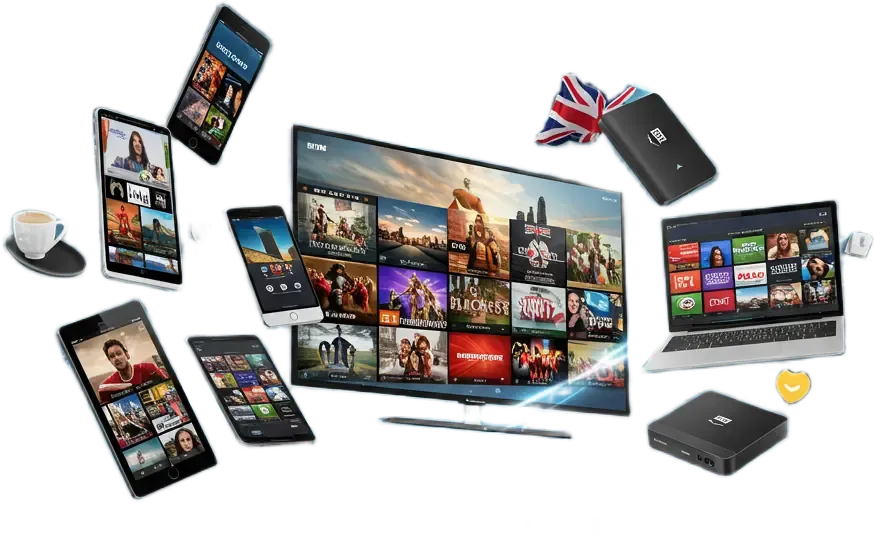
Published articles
Choose Your Device Guide
Each article focuses on a separate device and search intent, so the setup instructions remain useful and do not compete with the subscription pages.

IPTV on Panasonic TV: UK Setup, Apps and Fixes
Identify your TV platform, check app compatibility and troubleshoot streaming.
Read the Panasonic TV guide →
IPTV on Firestick UK: 6 Easy Setup Steps
Prepare the Fire TV Stick, connect it to Wi-Fi, use a compatible player and work through common buffering or playback problems.
Read the Firestick guideIPTV on Samsung Smart TV UK: 7 Easy Setup Steps
Check the Samsung model and Smart Hub app availability, prepare the network and troubleshoot the most common television issues.
Read the Samsung TV guideIPTV on Apple TV UK: 7-Step Setup
Check tvOS compatibility, choose the correct M3U or Xtream login and fix common network or guide problems.
Read the Apple TV guide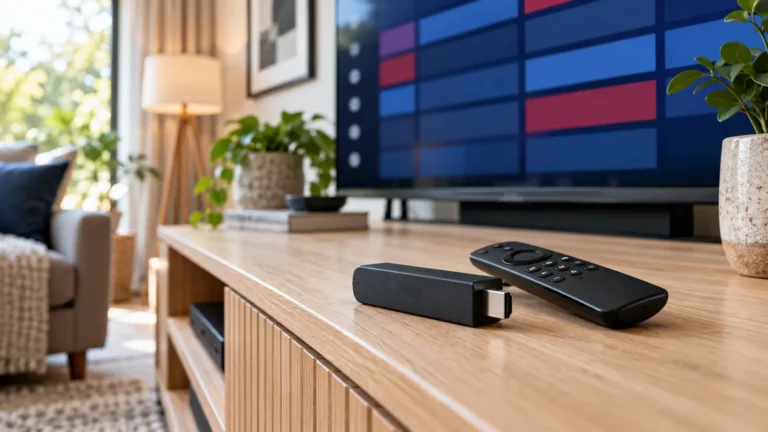
Best IPTV Apps for Firestick UK: 4 Practical Picks
Compare TiviMate, Sparkle TV, iMPlayer and Kodi. Check Fire OS compatibility, app licences and everyday usability.
Compare Firestick apps →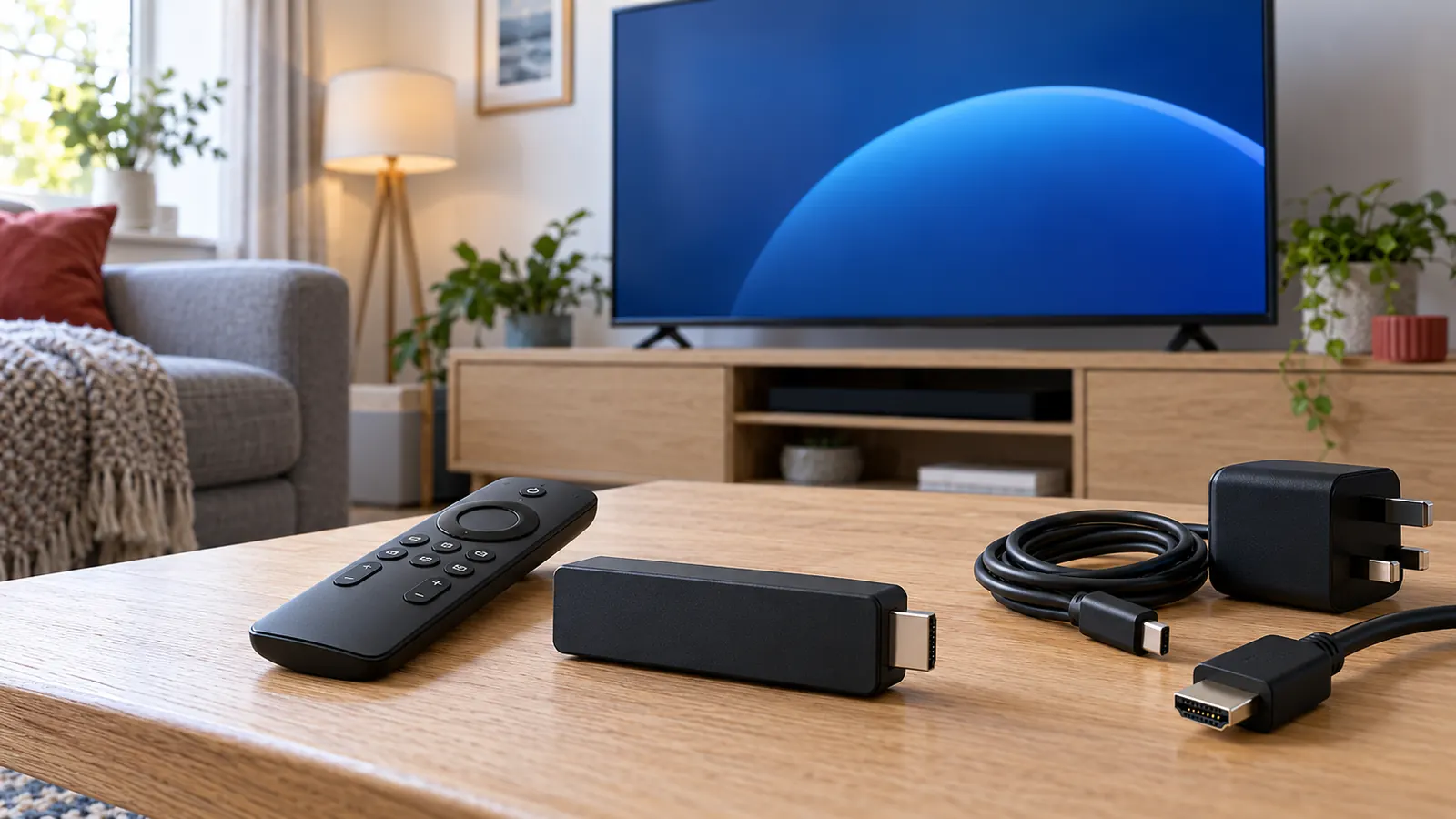
Fire Stick 4K Setup Guide: 9 Clear Steps
Identify the generation, connect HDMI and power, finish the Amazon setup and choose the correct Fire OS or Vega OS app route.
Set up a Fire Stick 4K →
IPTV No Sound? Fix Audio on Your TV
Compare channels and apps, check audio tracks and outputs, and diagnose soundbar or device settings.
Fix missing IPTV audio →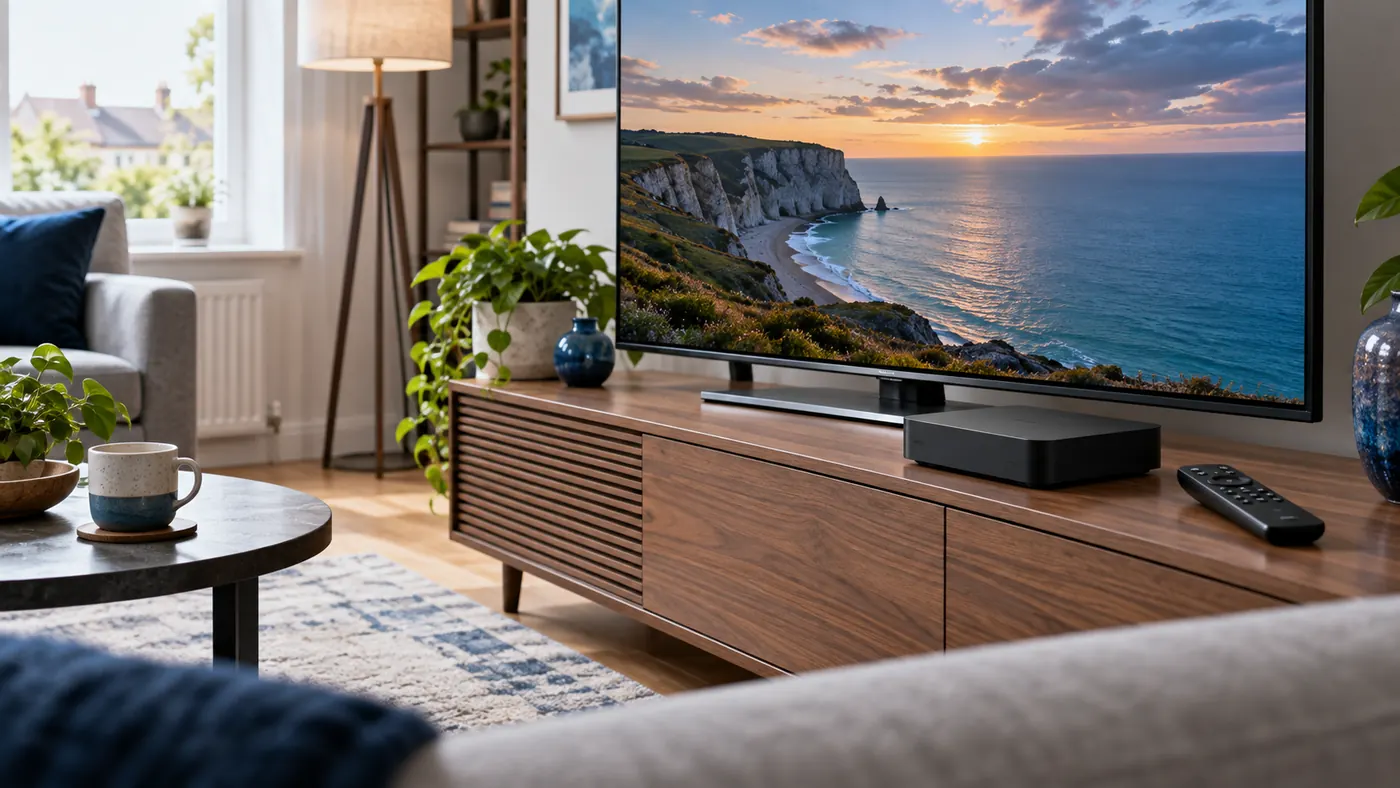
IPTV on NVIDIA Shield TV Pro: UK Setup and Fixes
Connect your Shield, choose a compatible player, load your playlist and diagnose playback problems.
Read the NVIDIA Shield guide →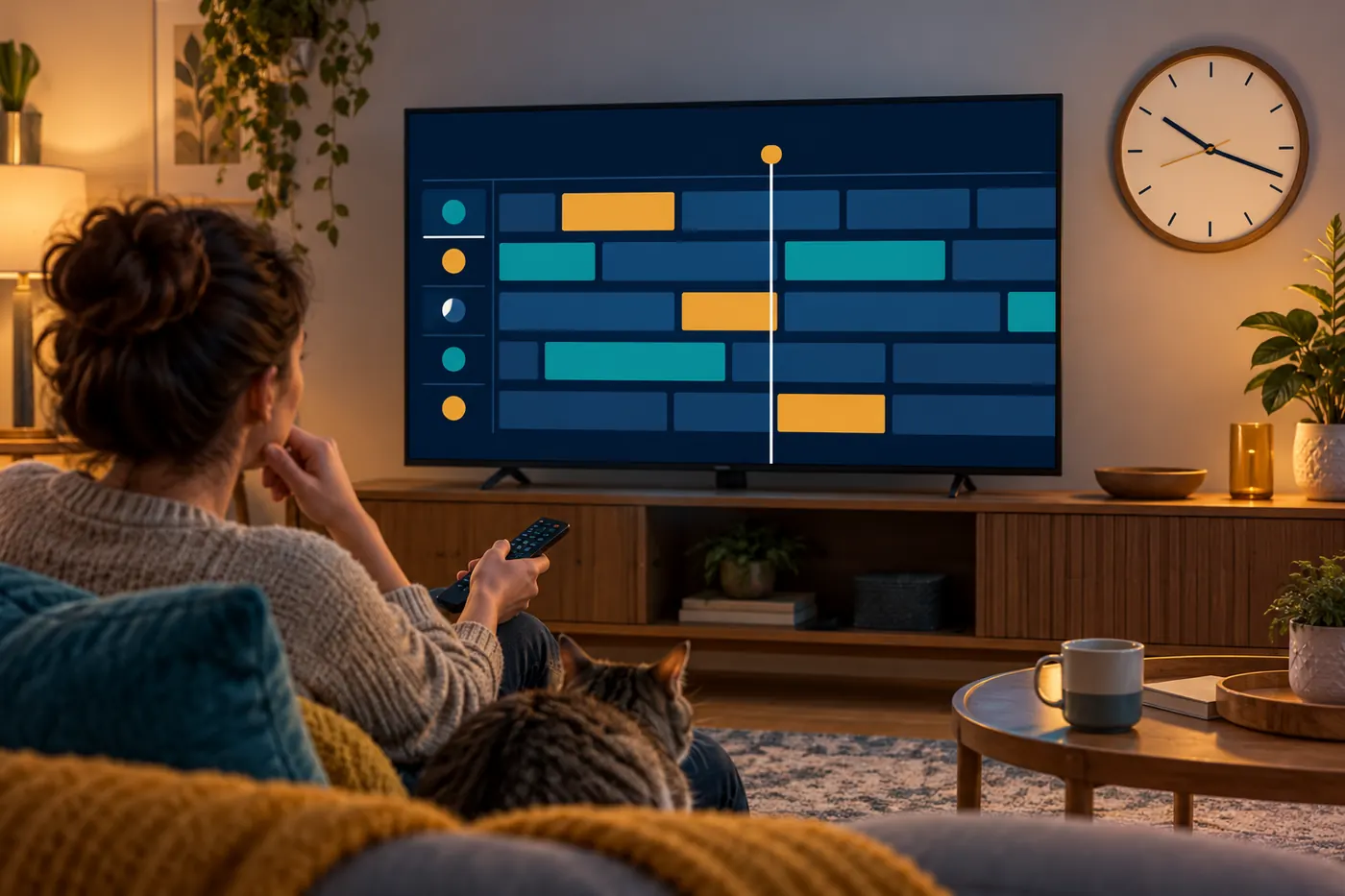
IPTV EPG Wrong Time? Fix UK Guide Times and One-Hour Errors
Check UK time settings, refresh the guide and correct one-hour schedule errors safely.
Fix wrong EPG times →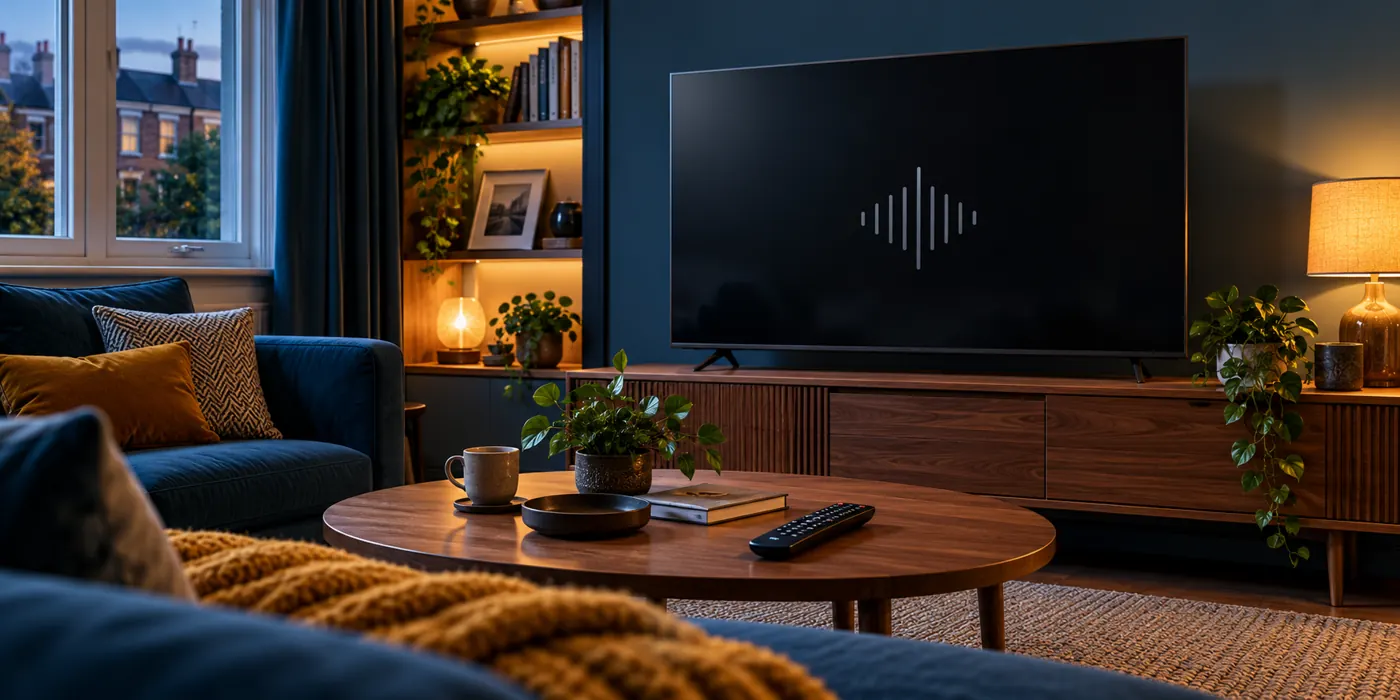
IPTV Black Screen With Sound? Find and Fix the Cause
Compare channels and apps, then check the player and HDMI connection.
Fix a black IPTV picture →
What Is IPTV? How It Works for UK Viewers
Understand internet television, apps, devices and the UK checks before choosing a service.
Read the IPTV basics guide →Start with the hardware
Which IPTV Guide Should You Read?
Choose the Firestick article when a Fire TV Stick is connected to the television through HDMI. It covers the Amazon account, Wi-Fi connection, compatible player and the checks to make before changing settings.
Choose the Samsung Smart TV article when you plan to use an application installed from Smart Hub. Have the model code, software version and region ready because app availability can differ between televisions.
Choose the Apple TV article when you use an Apple TV 4K or Apple TV HD. It explains App Store compatibility, M3U and Xtream login formats, network choices and tvOS troubleshooting.
After the setup guide
Compare the Four IPTV Subscription Plans
Once the intended device and compatible application are clear, compare one, three, six and twelve-month options on the subscriptions page. Each plan links to its own request form, pricing and test-before-payment process.
Keeping the setup articles separate from the plan pages makes it easier to find technical help without mixing it with the purchasing decision.
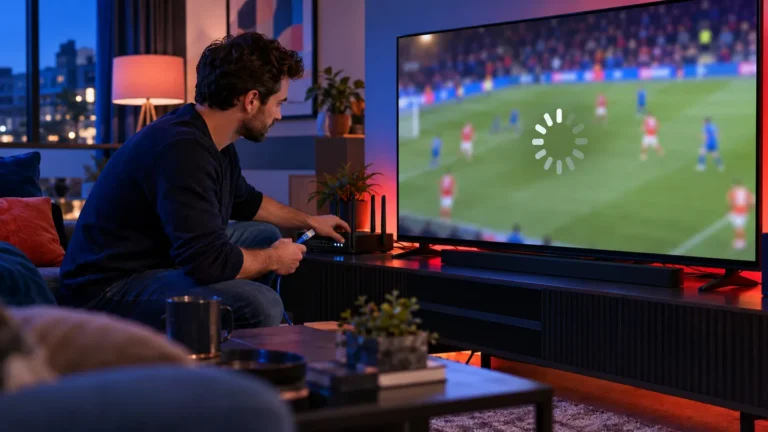
IPTV Buffering Fixes UK: Diagnose Freezing in 10 Minutes
Use a one-channel, one-device and peak-time diagnosis before changing apps, routers or providers.
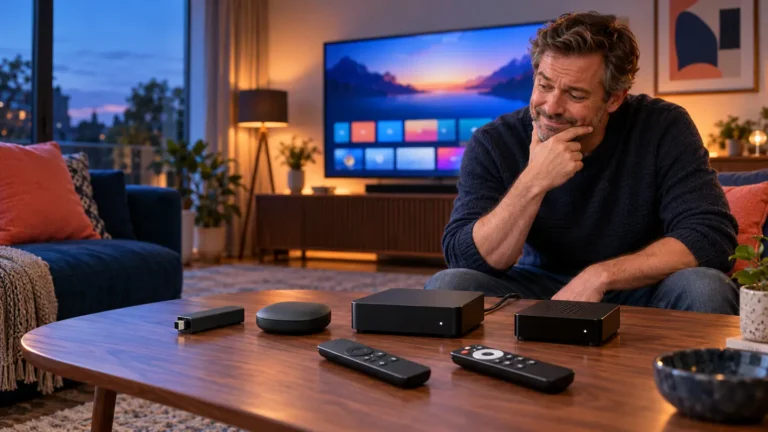
IPTV Box UK: What to Buy (and Avoid) in 2026
Choose the right streaming hardware for your TV, apps and network without paying for meaningless specifications.
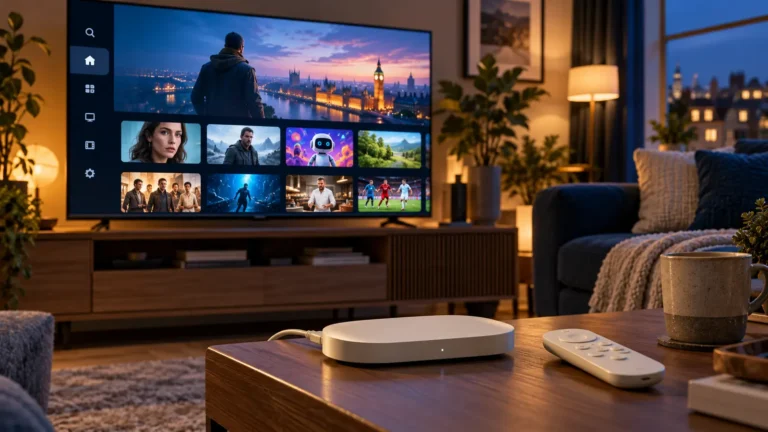
IPTV on Google TV Streamer: Setup and Troubleshooting
Set up the device, choose a compatible player and test your home network.
IPTV App Keeps Crashing? Find the Cause and Fix It — Diagnose app closures and follow safe fixes for Firestick and smart TVs.